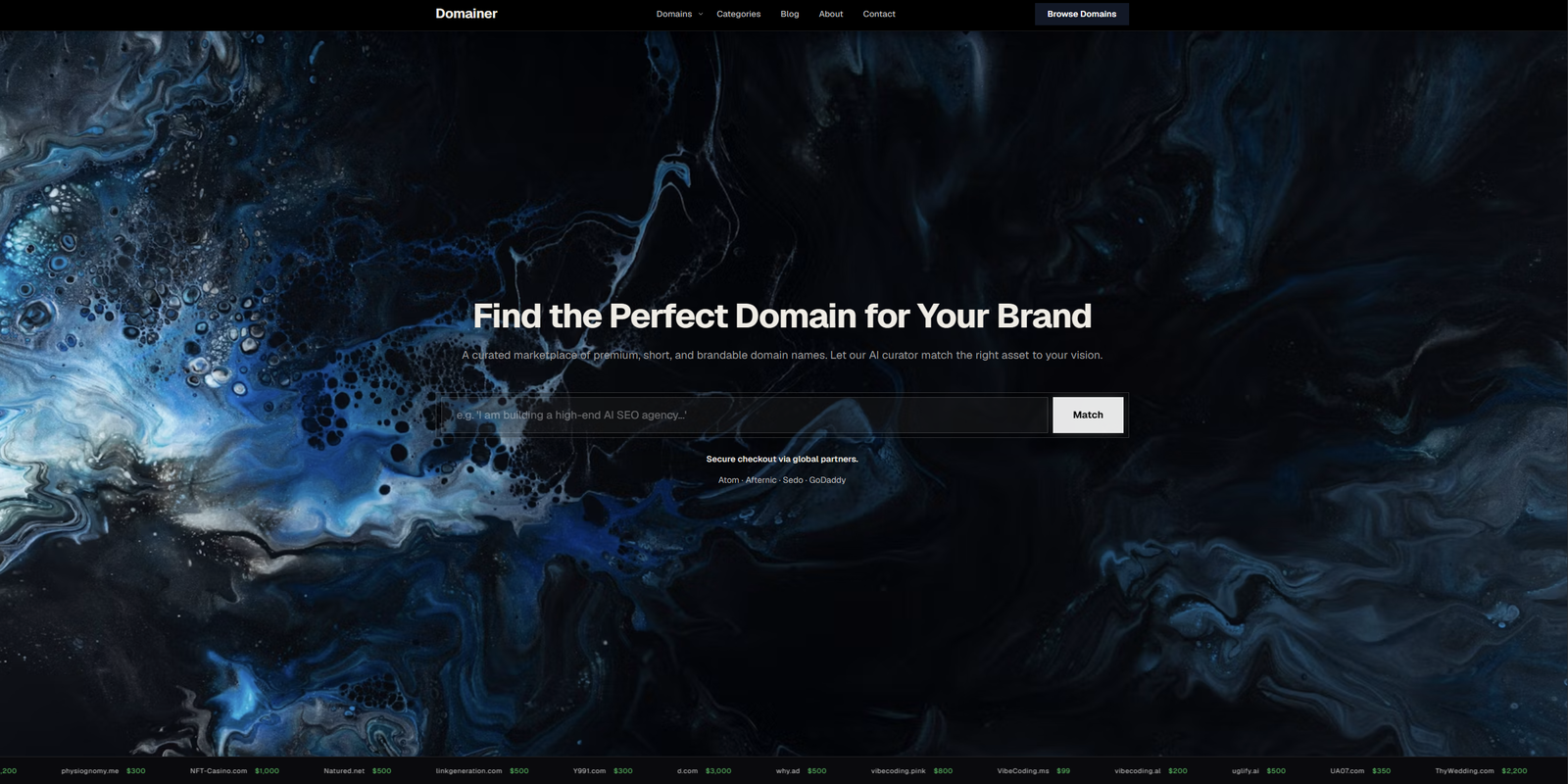
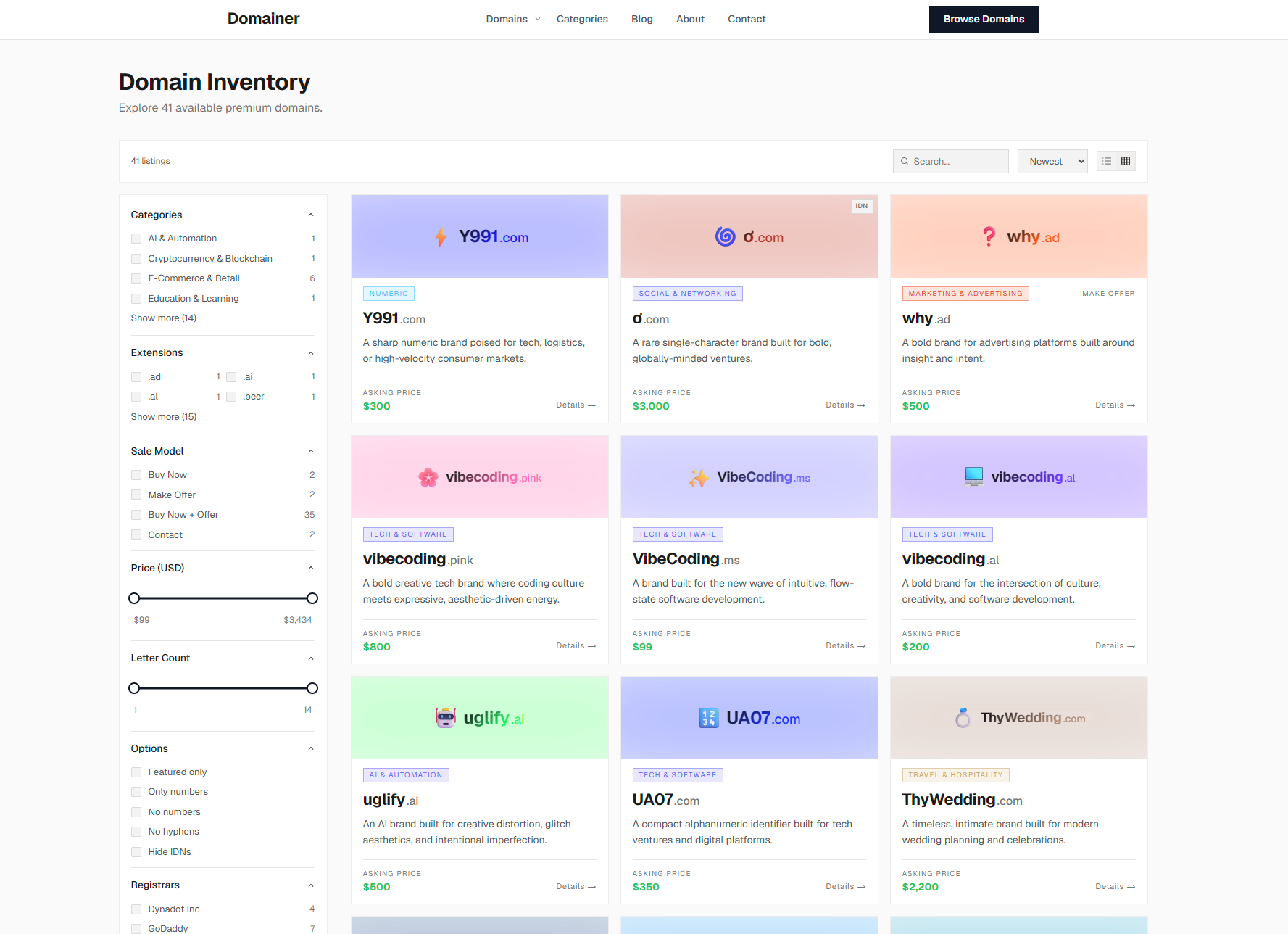
Theme & Colors
Dark or light. Seven background shades in each mode — from near-black Abyss to softer Charcoal; from warm Cream to cool Silver in light. Accent color for price display and CTA button color, both with a color picker.
Modern, AI-powered domain portfolio engine for domainers.
Deploy to Vercel or your own server, run the Setup Wizard — domain categories, core pages, and navigation are already in place. Import your domains from Afternic, Sedo, or Atom with AI generation on, and every field fills automatically during import. Your portfolio site is ready.
admin@example.com · 1111Deploy to Vercel following the step-by-step video guide. Not a one-click install — it takes 15–20 minutes — but non-technical users handle it fine with the guide. If you'd rather skip it, you can add the setup service for an extra $40 — share your credentials and I'll take care of deployment, DNS, and database.
You'll need access to the private GitHub repository. An invite is sent after purchase — if it hasn't arrived, request it directly.
Note: GitHub organization invites are currently sent manually. Request one if yours hasn't come through.Three setup screens — your site name, tagline, and contact details; your AI provider and model; email and Telegram notifications. When the wizard completes, 21 domain categories, core pages, and navigation are already in place. You have a working website before you've imported a single domain.
From there, everything is configurable — visual theme, fonts, colors, all site-wide copy, AI writing style, page layouts, and more.
Drop your export from Afternic, Sedo, or Atom. Turn on AI generation. Every domain gets a full page — description, tagline, use cases, perfect match for, curator's insight, brand color, categories, tags, and SEO — generated automatically during import.
Your portfolio is live. Buyers find your domains via Google, submit offers and inquiries directly on your site, or follow marketplace BIN links to Afternic, Sedo, or Atom. You get notified instantly for every submission.
From a single field to a full portfolio import — AI handles the writing so you don't have to.
AI fills the entire domain page in one pass — description, tagline, use cases, perfect match for, curator's insight, brand color, categories, and tags. Review, adjust, save. Works on individual domains and during bulk import.
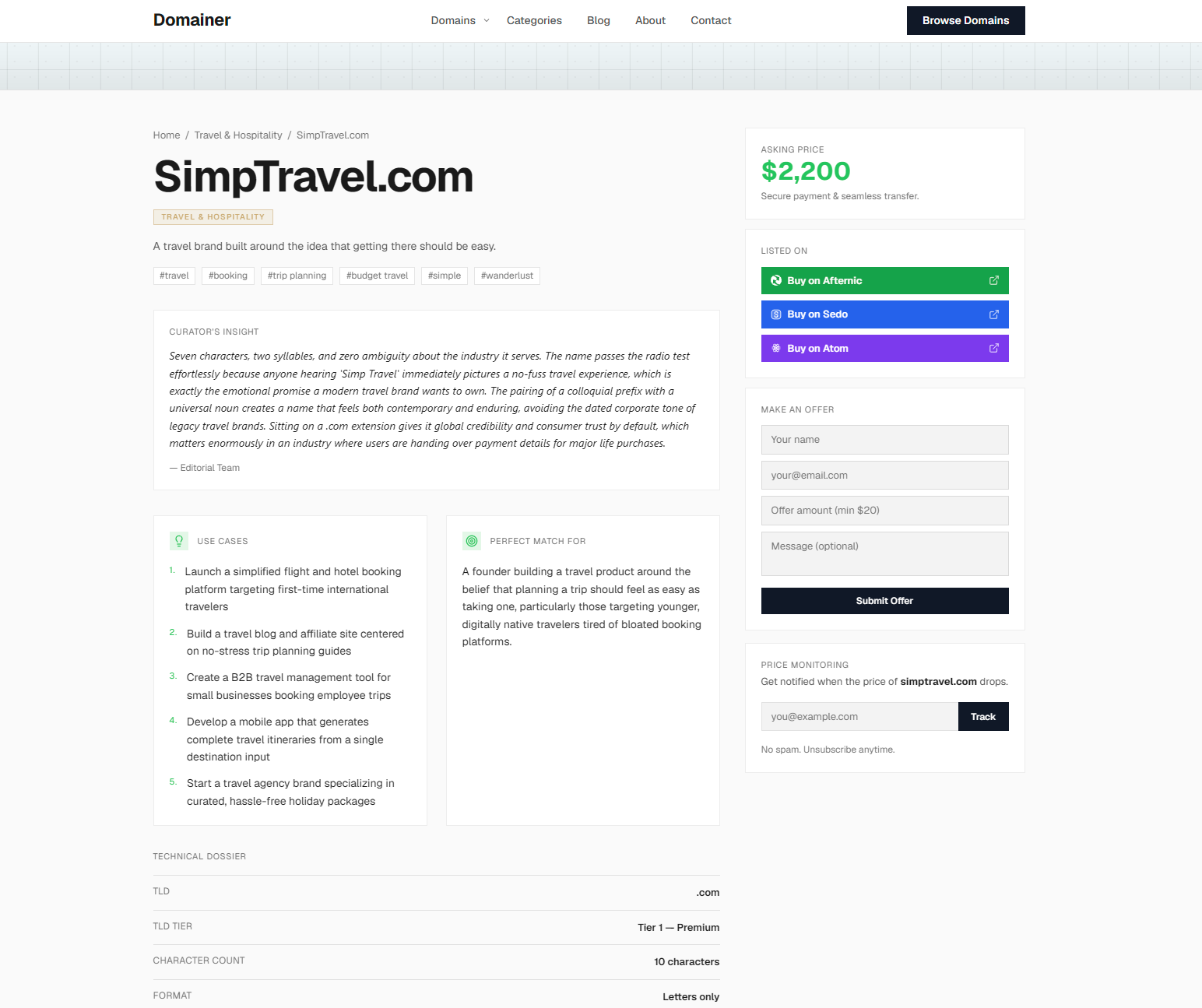
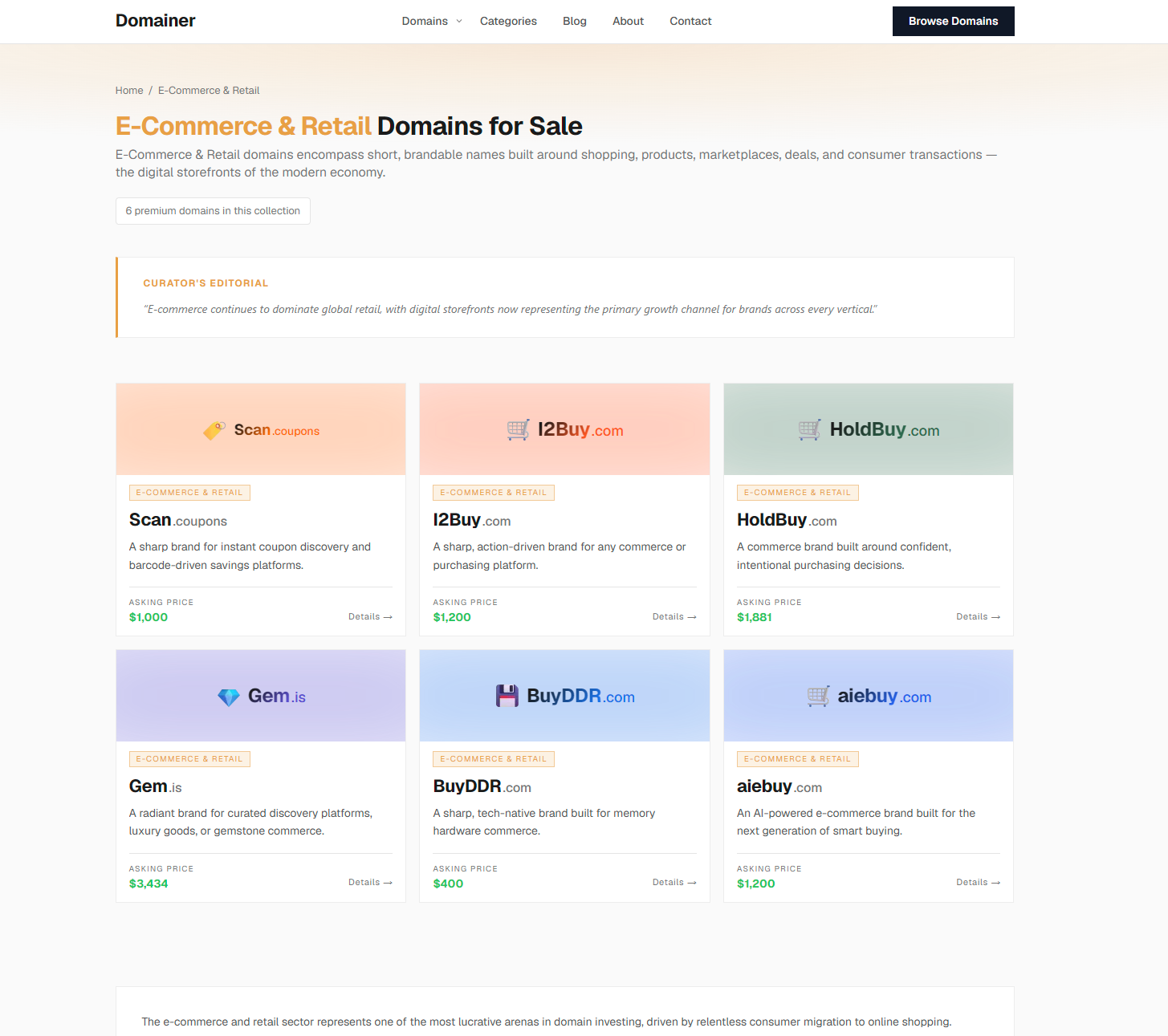
Buyers land on a dedicated page — not a list item, not a marketplace card. A full presentation built to convert.

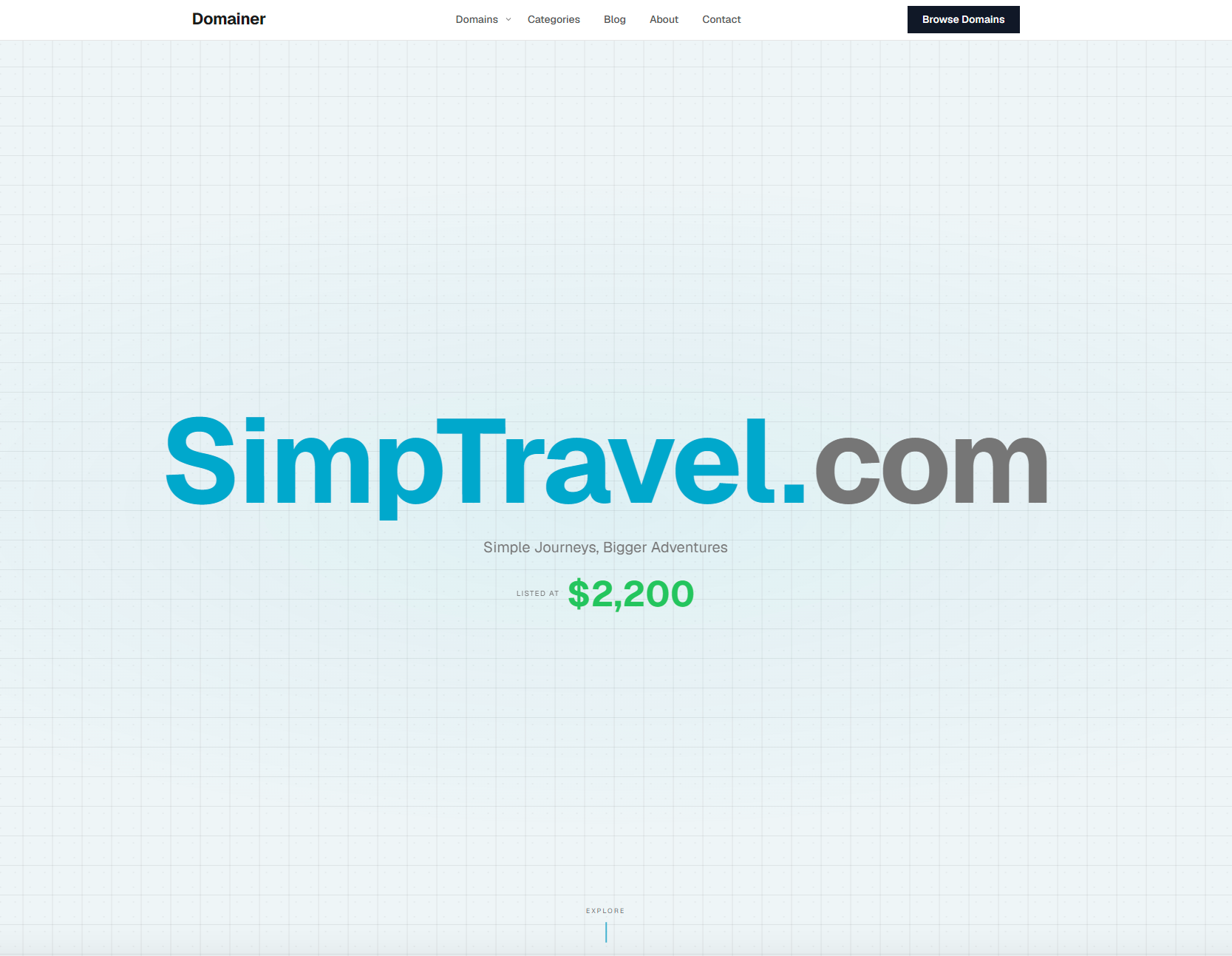
Domain name, AI-generated background image and logo, category badges. The price is in the sidebar — visible immediately. Depending on the sale model you set per domain, buyers see a Buy Now button, a Make Offer form, marketplace BIN links, or a combination.
Curator's Insight — your read on the domain's potential. Use Cases — numbered scenarios for how it could be used. Perfect Match For — the ideal buyer in plain language. Buyers don't have to imagine what to do with the domain. It's already explained.
Technical Dossier pulls registration details automatically via RDAP — registrar, dates, nameservers, transfer type. Branding Playground shows the AI-assigned brand color live. Transfer Info and a Price Tracker widget round out the sidebar.
Similar Domains shows four related names from your portfolio at the bottom of every page. Buyers who weren't ready to commit on the first domain often convert on the second.
Three ways buyers interact with your domains:
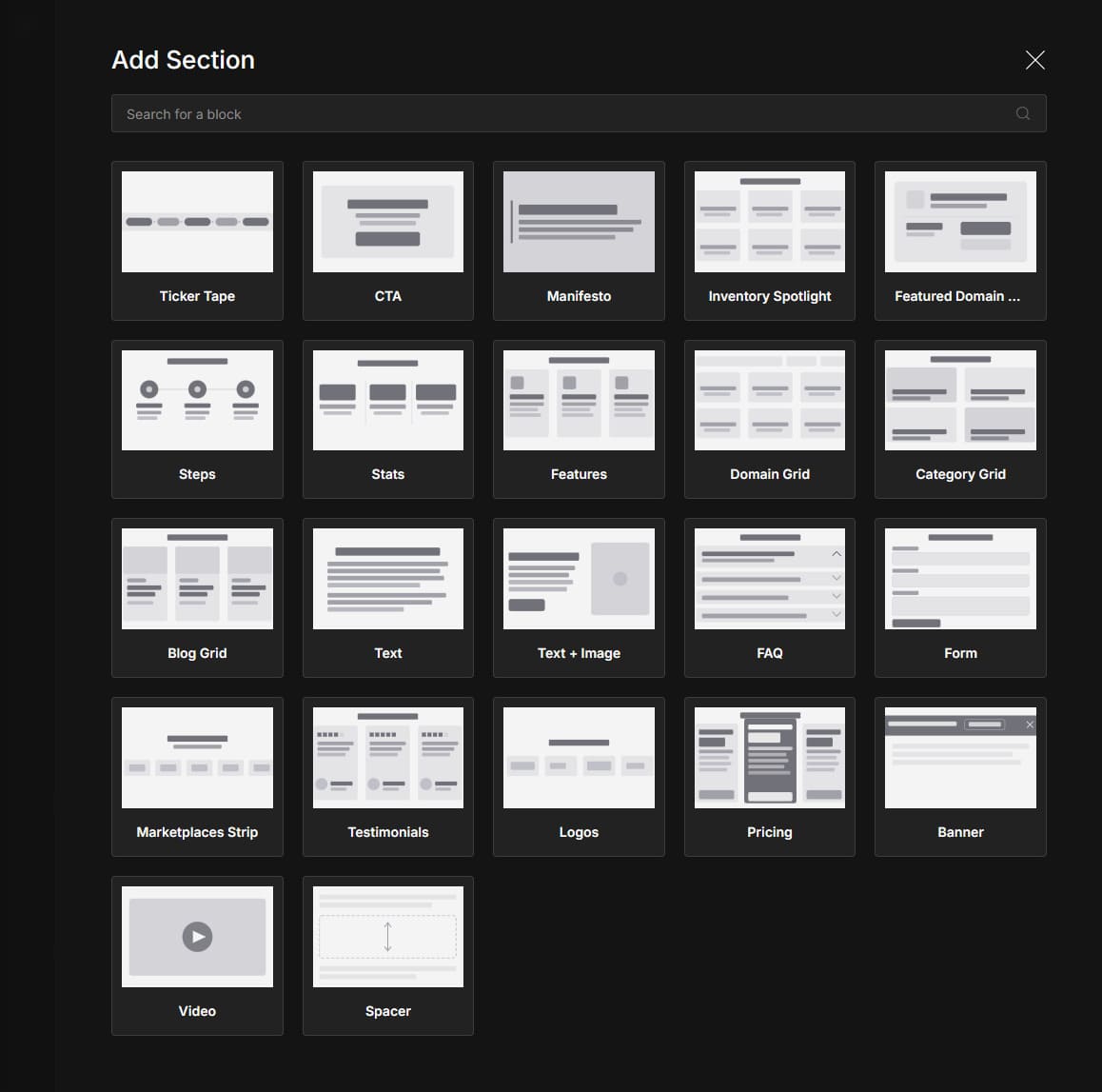
The same block system powers every public page on the site: the homepage, category pages, blog, domain page template, and any custom page you add. If it's public-facing, you can edit it.
Write a brief, and AI produces a complete post — cover image, excerpt, tags, and SEO metadata included. Publish and let search traffic find your portfolio.
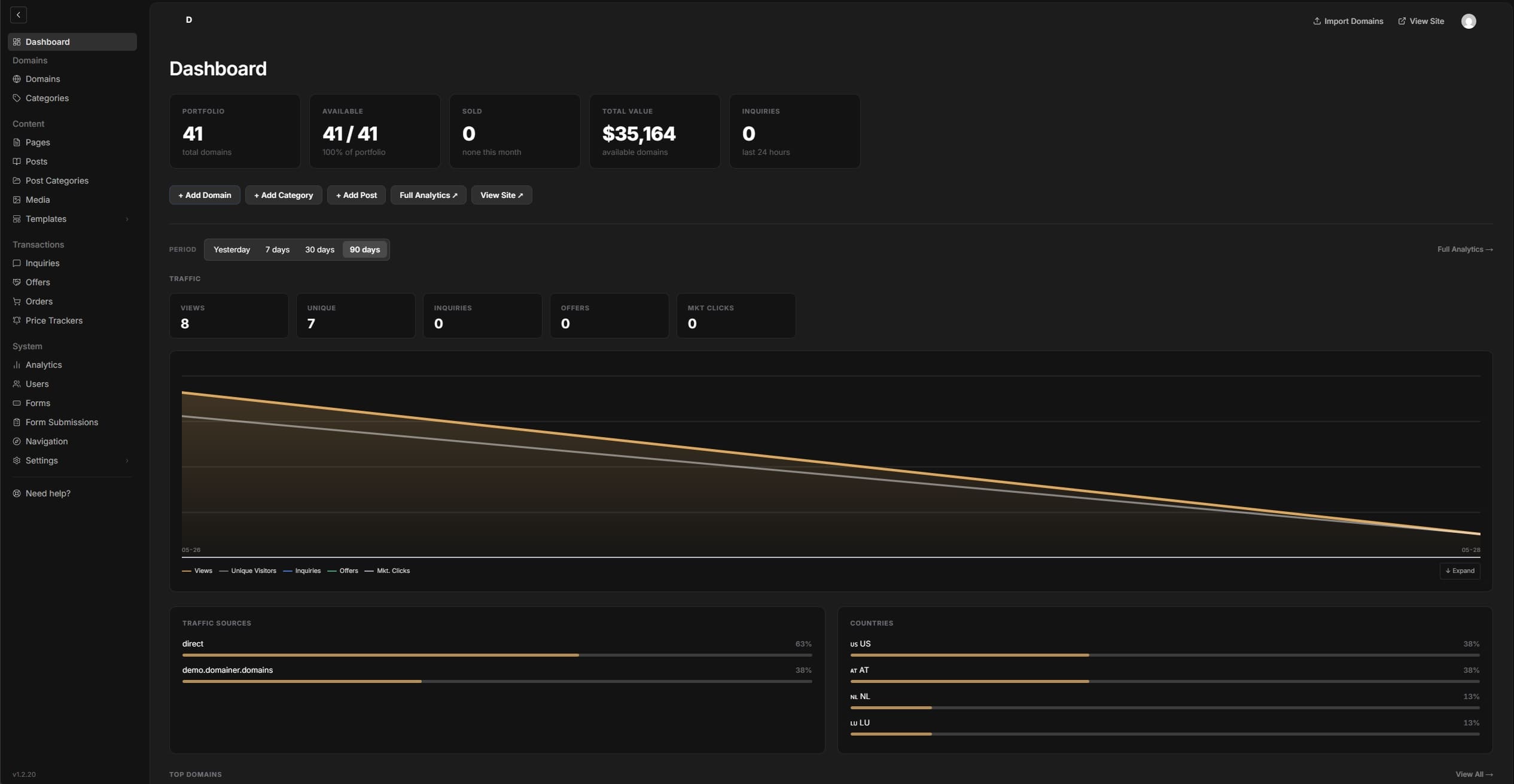
Server-side analytics built in — no third-party scripts, no cookie banners required.
No more slow, outdated PHP scripts. This project is built on a modern stack that is the current industry standard — reliable, scalable, and engineered for speed. Your portfolio pages load fast for every buyer.
Next.js and TypeScript form the server layer — page rendering, routing, API endpoints, and global content delivery. Payload CMS is built on top of that same foundation: admin panel, database schema, and content API all inside one application.
Payload is extended extensively — custom field types, a fully rebuilt admin interface, purpose-built import and setup wizards, and domain-specific tooling integrated directly into the editing experience. The public site runs on React and Tailwind CSS, keeping pages lean and fast for every visitor.
The framework behind the site's performance. Pages are pre-built; database queries are cached. Most requests are served instantly — nothing re-renders, nothing hits the database unless content actually changed.
The UI layer that powers the public site. Server Components send only the HTML the browser needs — pages stay lean and responsive on any device.
The admin panel and database layer — part of the application itself, not a separate service. Extended heavily with custom fields, views, and domain-specific tooling.
The entire codebase is strictly typed — every field, every function, every API response has a defined shape. Fewer surprises when things change.
SEO score is artificially low on the demo. The demo site is blocked from search engine indexing (noindex), which PageSpeed penalises in the SEO audit. On a live production site with indexing enabled, the SEO score is 90+.
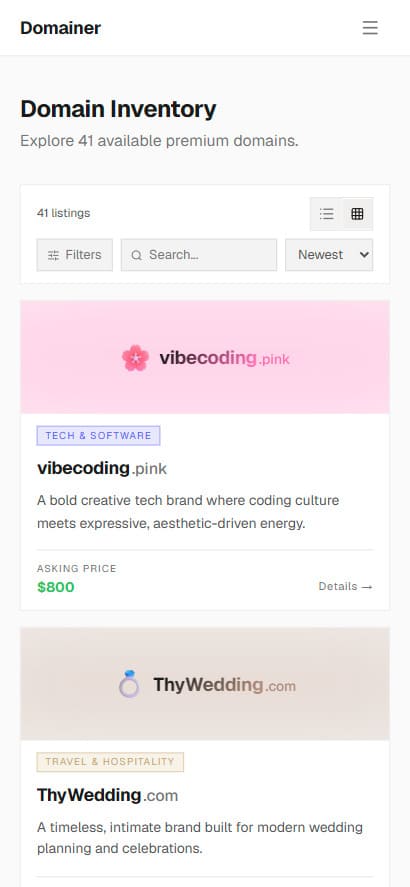
The entire site is fully responsive — every page adapts to any screen size, from desktop to phone.
New versions arrive directly from the development repository — a click or two, depending on how you deployed.
Updates are free and included with your purchase. Only the core platform is replaced — your content, settings, and theme customizations are never touched. If the update includes changes to the database structure, they apply automatically on startup — your data stays intact.
| Vercel | Docker · visual | Docker · CLI | ZIP | |
|---|---|---|---|---|
| How | Sync fork on GitHub (2 clicks) — Vercel rebuilds automatically, no action needed on the Vercel side | Click Update in your Docker manager | 2 commands in terminal | Download, replace core files, rebuild |
| Downtime | None | ~30 sec | ~30 sec | 3–5 min |
| Recommended | ✓ | ✓ | ✓ | — |
ZIP is not recommended — updates require manual file replacement and a full rebuild. Vercel and Docker connect directly to the development repository, so updates arrive in a click or two.
No subscription, no renewal, no usage limits. Free updates included with every purchase.
No VPS? I'll recommend one and handle the full setup there too.
Anything else — just ask. Pay for time, not categories — services combine into a single session. 1-hour minimum.
The frontend and admin are open — no login needed. Need to test AI generation, notifications, and the full setup flow? Request a personal instance.
Browse the live demo — domain pages, catalog, blog, and page builder templates. No login needed.
Open demo siteLog in with the shared credentials and explore the admin panel — AI generation, import, settings, and page builder.
A private instance already deployed — you start from the Setup Wizard, exactly where you'd land after completing deployment on Vercel or your own server. Enter your own API keys to test AI generation, notifications, and every other feature. Valid for 24 hours.
You'll need to revoke any keys you enter after testing — I don't store them, but the instance is yours to control.